Radio BIG from SSX3 made real
Not that long ago I discovered what I would consider to be the best snowboarding game ever made - SSX 31. And in SSX 3 there is a radio which plays banger songs, gives info about character backstories and mountain lore. It really creates a sense of immersion.
I would highly recommend the game.
Now imagine how cool it would be to listen to said radio whilst snowboarding in real life. And thats exactly what I set out to do.
recreating radio BIG from SSX3
prerequesites
In order to create a script which can replicate radio BIG following is needed:
- a local playlist supporting audioplayer
- the songs from SSX3
- the voice clips from DJ Atomika
Here is the youtube video out of which I cut the voice clips. https://youtube.com/watch?v=Gz8k8HBsDXw.
For audioplayer with local playlist (.m3u) support on android I would recommend Poweramp or Phocid.
creating the script
The idea is to put the fitting announcement before the song.
Since a playlist is literally just a text file containing the paths to the audio files, all we need for the approach I went for is the following:
- a way to get a random file from a directory
- a big 2d array containing the paths to the songs as well as the artist the song is from
We need to store the artists name for the song because DJ Atomika announces the songs not by title but by artist and there are multiple voiceclips for the same artist. Because of that I used this directory structure:
djmix
│── songfiles.mp3
│── ...
└── voicelines
    │── artistDir1
    │── artistDir2
    └── ...
The directories are named after the artists, that way i can just pick a random voiceclip from them. Also whilst building this script I realized that using just the voiceline for the announcement seems out of place. Because of that I aquired some intro audioclips and also created a outro sound to make it feel more like an actual radio.
The intro and outro files have also been placed in directories next to the ones for the artists to make the access easier.
Here is what the finished script looks like:
import os, random
from random import shuffle

def getAnnoucement(artist):
    dir="../musix/djMix/DJvoicelines/" # dir in which the directories for the voiclines are
    return dir+artist+"/"+random.choice(os.listdir(dir+artist))


# artist, song
songs = [
    ["swollenMembers_UthaSaints","../musix/djMix/Swollen Members - Deep End (Utah Saint's Remix).opus"],
    ["deepsky","../musix/djMix/Deepsky-Ride.opus"],
    ["fischerspooner","../musix/djMix/Fischerspooner - Emerge (Junkie XL Remix).opus"],
    ["alpinestars","../musix/djMix/Alpinestars - Snow Patrol.m4a"],
    ["chemicalbrothers","../musix/djMix/Leave Home - The Chemical Brothers.opus"],
    ["","../musix/djMix/Glass Danse ~ Paul Oakenfold Remix (The Faint) - SSX 3 [Soundtrack].opus"],
    # here are actually more songs. This is just an example
]
shuffle(songs)

# differentiate between voicelines that contain something like "welcome back"
# as that would not be a good first voiceline to use
introPlain="intros/plain"
introBack="intros/backAgain"
firstrun = True # to make sure the first voiceline doesnt contain something like "welcome back"

for song in songs:
    rnd = random.randint(1,10) # one in ten chance there is no intro
    if song[0] != "" and rnd != 1:
        rnd = random.randint(1,10) # 60% chance for welcome back intro
        if rnd > 6 or firstrun:
            firstrun = False
            print(getAnnoucement(introPlain))
        else:
            print(getAnnoucement(introBack))
        print(getAnnoucement(song[0]))
        print(getAnnoucement("outro"))
    print(song[1])
In order to have it more accessible on mobile I created a script for the termux widget. That way I can “generate” a new playlist just with one click.
actually snowboarding to radio BIG
Luckily I had the opportunity to snowboard for one day in the winter holidays.
And let me tell you - full sending it down the mountain whilst listening to Snow Patrol from Alpinestars - its a feeling out of this world.
Here are some pictures:
pictures
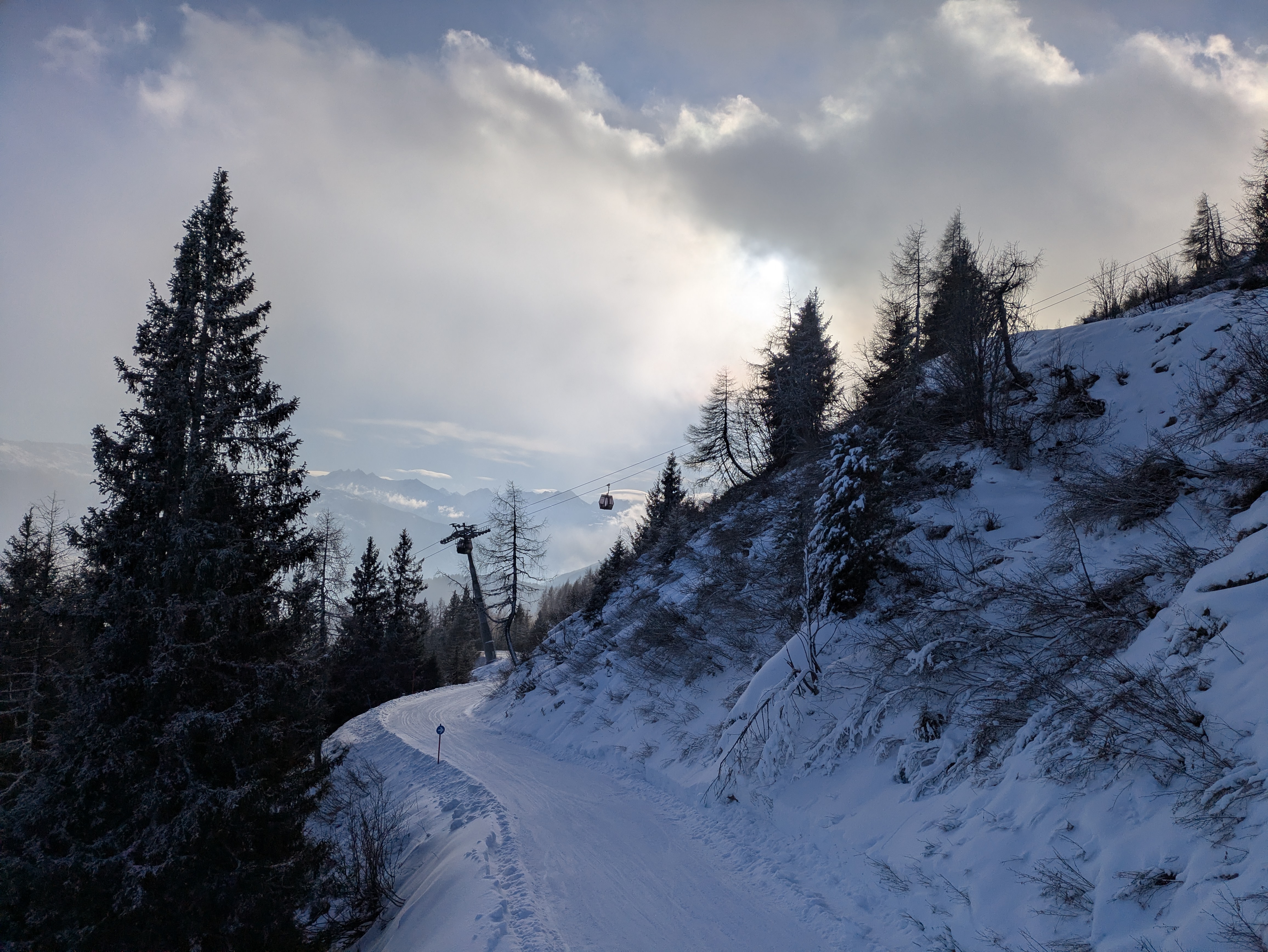
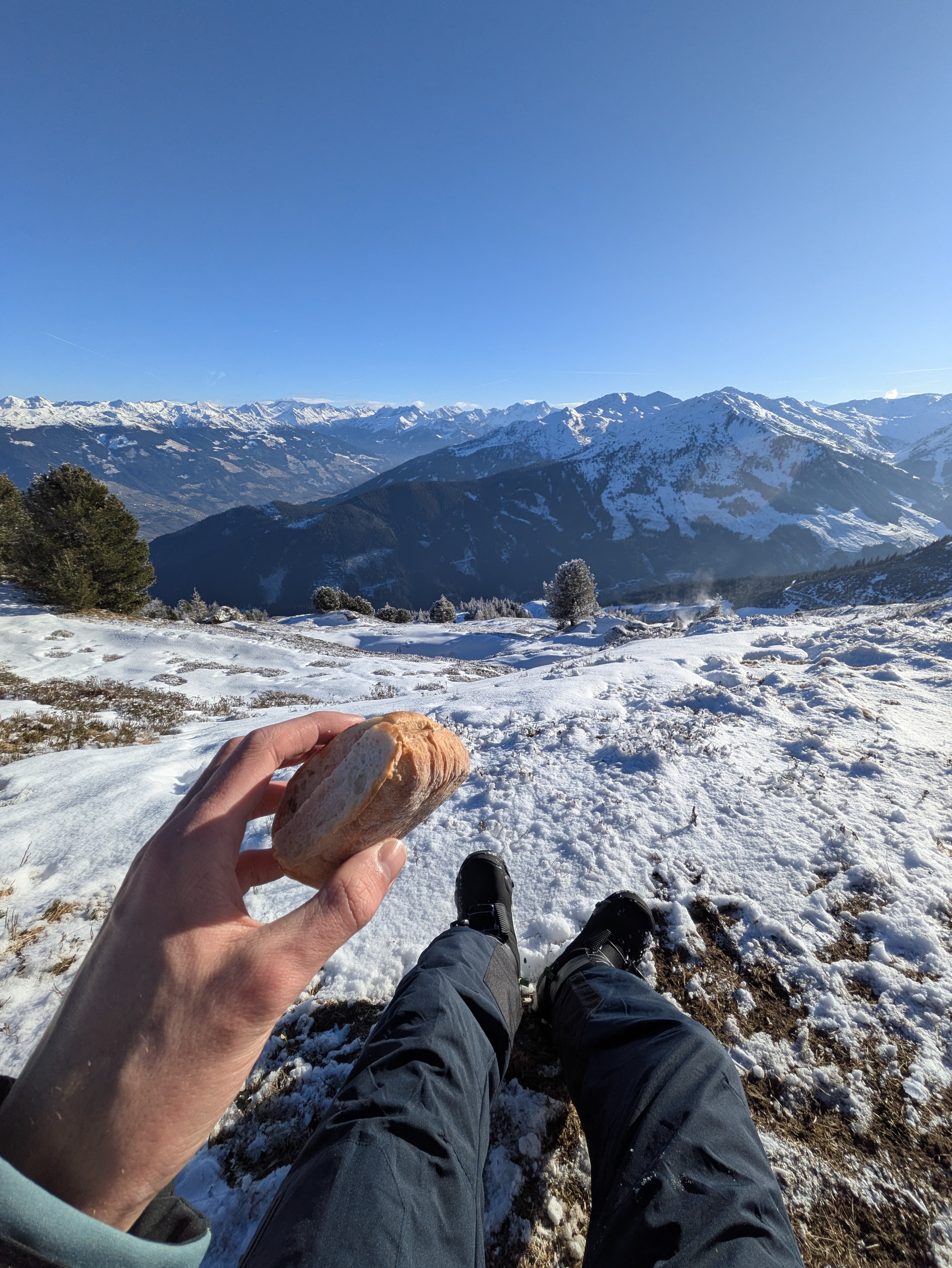
The weather was perfect on that day.
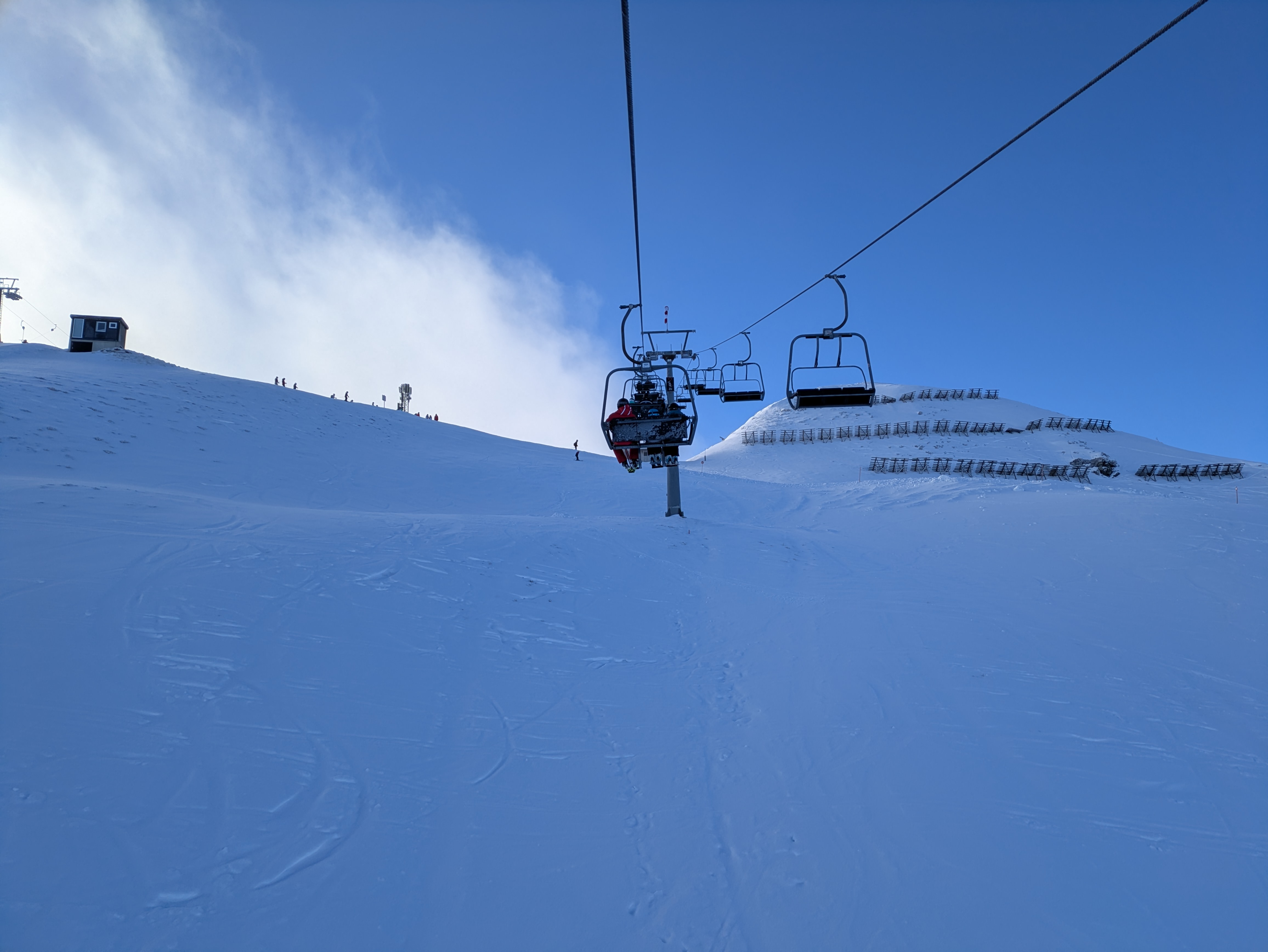
A really nice view out of the lift.
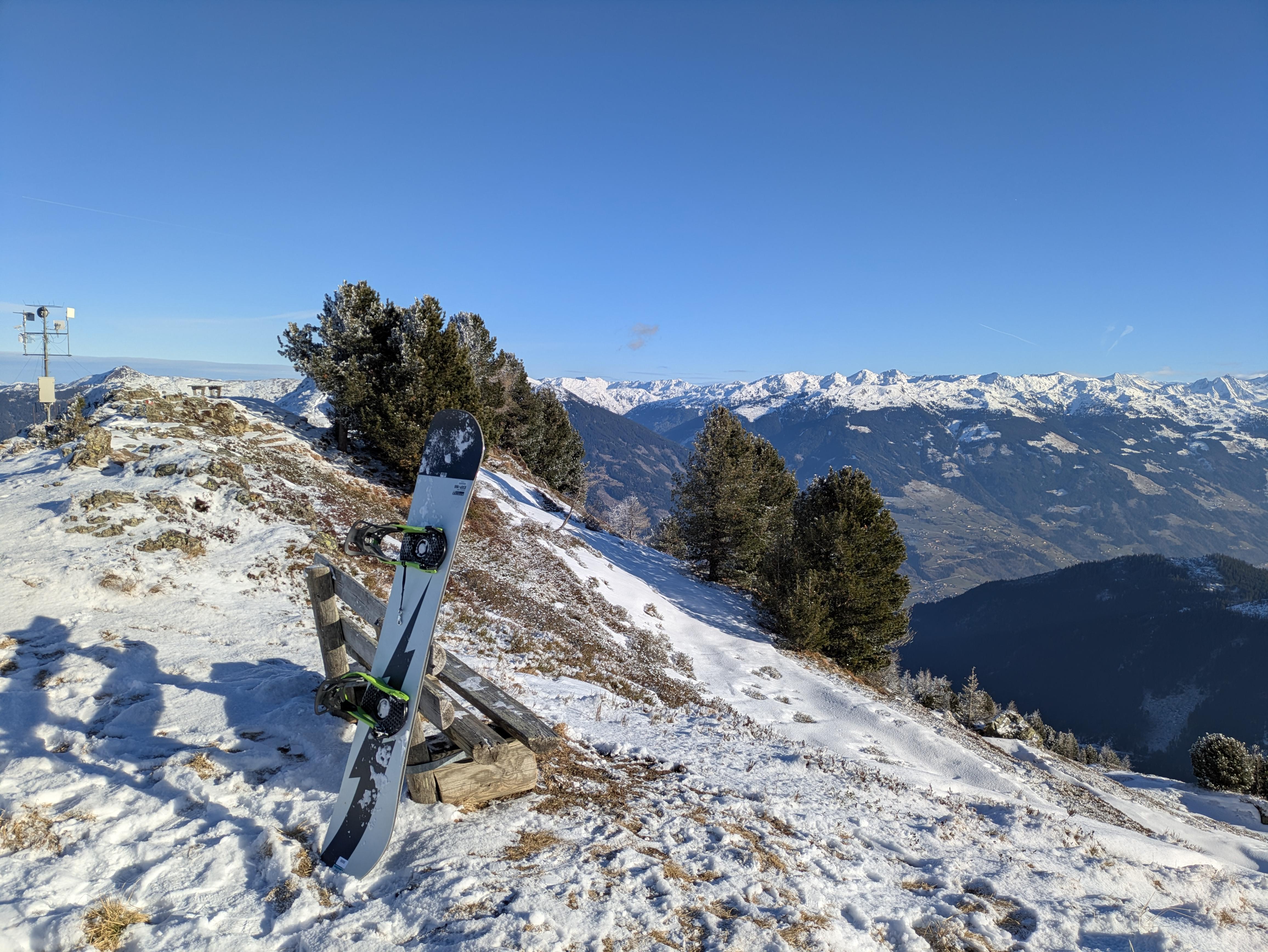
Having a little snack on top of the mountain :D
Footnotes:
SSX3 gameplay https://www.youtube.com/watch?v=HmZzZi564XA
- source of the SSX3 icon img used for the thumbnail